Favicon of Parseur

Parseur

Introducing Parseur, the cutting-edge tool that automates data extraction from emails, PDFs, and other documents. Say goodbye to manual data entry and hello to efficient, real-time automation that boosts productivity. ๐Ÿ” Effortless Data Extraction: Create templates and identify data to be extracted with Parseur's no-code point & click editor. Instant setup is also available with pre-built templates. ๐Ÿ“ฅ Seamless Import of Documents: Upload documents directly in the app, send them via email, or utilize Parseur's API for easy document import. ๐Ÿš€ Export Parsed Data: Download extracted data to Excel, instantly send it to Google Sheets, or integrate with thousands of other applications through Zapier, Power Automate, and Make. ๐Ÿ” Automatic Layout Detection: Regardless of varying document layouts, Parseur automatically detects the right template for data extraction. Use Cases: - Save time and boost productivity by automating data entry processes. - Streamline workflows by sending captured data to your business applications in real-time. - Improve data entry speed and quality while reducing operational costs. In a nutshell, Parseur puts your data capture workflows on autopilot, allowing you to focus on your core business. With its user-friendly template-based extraction approach, anyone can easily set up and use this powerful tool. It's time to let Parseur's AI-powered robots handle the tedious work of data extraction.

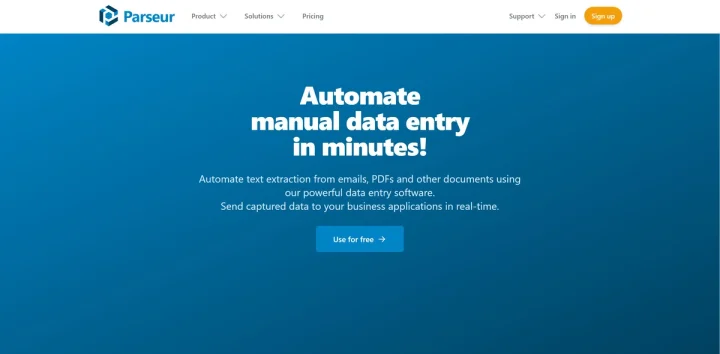
Screenshot of Parseur website

Parseur is a cutting-edge tool designed to automate the process of data extraction from emails, PDFs, and other documents. It replaces time-consuming manual data entry with efficient, real-time automated extraction, significantly improving productivity. Key Features: Effortless Data Extraction: With its no-code point & click editor, Parseur allows you to create templates and identify the data to be extracted. It also offers pre-built templates for an instant setup. Seamless Import of Documents: You can upload documents directly in the app, send them by email, or use Parseur's API. Export Parsed Data: The tool allows you to download extracted data to Excel, send it instantly to Google Sheets, or thousands of other applications via integrations with platforms like Zapier, Power Automate, and Make. Automatic Layout Detection: Parseur automatically identifies the right template for data extraction, irrespective of the varying layouts of your source documents. Use Cases: Automate data entry processes to save time and improve productivity. Streamline workflows by sending captured data to your business applications in real-time. Improve data entry speed and quality, reducing operational costs. In a nutshell, Parseur sets your data capture workflows on autopilot, freeing you to focus on your core business. With its template-based extraction approach, anyone can easily set up and use the tool. It's time to let Parseur's AI-powered robots handle the tedious work of data extraction.

Share:

Ad
Favicon

ย 

ย ย 
ย 

Similar to Parseur

Favicon

ย 

ย ย 
ย ย 
Favicon

ย 

ย ย 
ย ย 
Favicon

ย 

ย ย 
ย ย