Favicon of Canva:Text-to-Image

Canva:Text-to-Image

Are you tired of sifting through thousands of stock photos and never finding the perfect fit for your project? Canva has the solution with Text to Image – a cutting-edge AI tool that generates images based on your natural language description. It's like having a personal artist at your fingertips! The more detailed your description, the better the outcome. But don't worry, we've got you covered with one-click styles like Neon, Watercolor, Retro Anime, and Dreamlike. Canva generates several options to choose from, and if none of them hit the mark, simply switch styles or rephrase your prompt for a different outcome. Text to Image isn't just a replacement for stock photos – it's a game-changer for business owners and marketers. With Canva, the possibilities are endless.

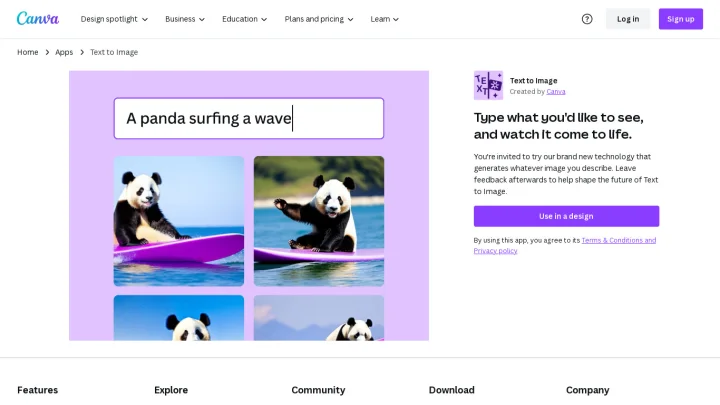
Screenshot of Canva:Text-to-Image website

Text to Image is Canva's answer to generative AI tools like DALL·E 2 and Midjourney, which generate images based on natural text prompts. Simply describe the image you want to see, and Canva will attempt to create it.

Of course, the quality of your results will vary based on the prompts you use. Typically, the more details you provide, the better—especially when it comes to describing your image's style. Stuck on what kind of style you want? Canva also offers one-click styles, like Photo, Neon, Minimalist, Watercolor, Retro Anime, and Dreamlike.

Canva generates a few options to choose from. Of course, if none of the options match what you were envisioning, you can switch to a different style or rewrite your prompt.

On the surface, Text to Image feels like a replacement for stock photos. But it's actually much more powerful than that. For business owners and marketers.

Categories:

Share:

Ad
Favicon


Similar to Canva:Text-to-Image

Favicon


Favicon


Favicon